
Anatomy of a WAN 3.0 Prompt: Taking Apart a 20 Second, Three Shot Scene
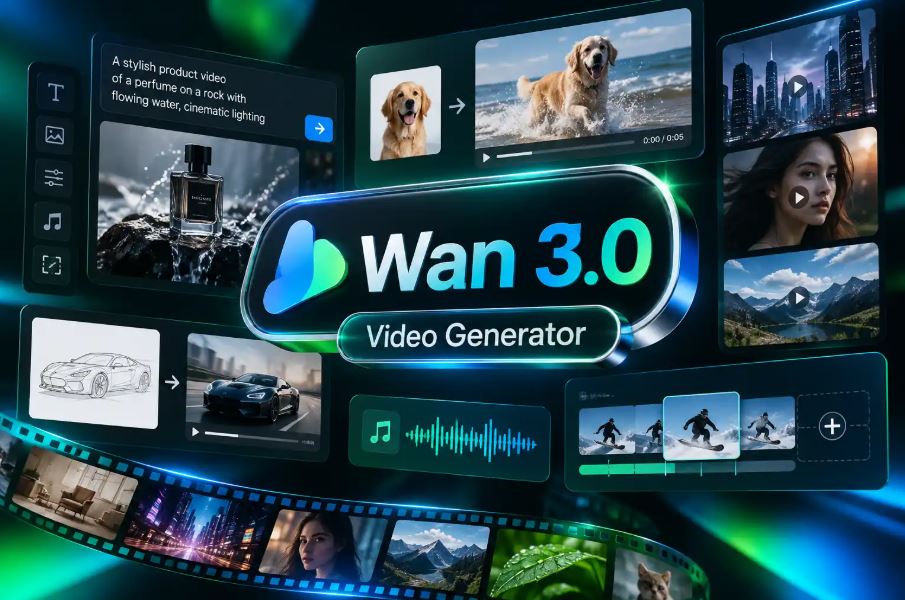
The most useful thing on any AI video model page is not the hero clip. It is the prompt behind the one clip that does something hard. For Alibaba’s newest video model, that clip is a 20 second night market scene built from three shots in a single generation. The picture is nice. The prompt is a small lesson in screenwriting for machines, so instead of a review, this is a teardown.
The opening line sets the contract
“A 20 second cinematic sequence in three shots about a night market cook.”
Notice what this sentence does before any visuals appear. It states the total length, the number of shots and the subject. That is a contract. The model now knows it is building a sequence, not a single moment, and it knows how many beats to budget. When I see people struggle with multi-shot video, the prompt usually jumps straight into description and never tells the model how the time is supposed to be divided.
Each shot gets a time range and a job
“Shot 1 [0-6s]: wide shot, a street food stall glows under red paper lanterns in light rain as a cook in a white headscarf tosses noodles in a wok and a burst of flame leaps up.”
Three things are packed in here: the shot size, the setting and one action that ends in a visual event, the flame. That is the right amount. A wide shot should establish place, and the flame gives the eye something to land on before the cut.
Shots 2 and 3 follow the same pattern, running 7 to 13 seconds and 14 to 20 seconds. Shot 2 is a slow motion close-up of noodles flipping through the fire, and shot 3 is a medium shot of the cook sliding a plate toward camera with a smile. Wide, close, medium. It is the most basic coverage pattern in filmmaking, and it works here because the model has seen it thousands of times.
“Hard cut to” is doing real work
Shots 2 and 3 both begin with “hard cut to”. Without that phrase, you risk the model trying to move the camera continuously from wide to close, which tends to produce a floaty, uncommitted push. Naming the cut tells it to jump. If you actually want a continuous move, the model page uses a different phrase for that: “one continuous take”.
The continuity note is the most important sentence
“Keep the cook, the stall and the rain consistent across shots.”
This one line is why the same cook appears in the wide shot and in the serve. It names the three things most likely to drift: the character, the location and the weather. If I were adapting this pattern for a product film, I would list the product, its color and the surface it sits on. Name whatever would break the illusion if it changed.
The audio line finishes the scene
“Audio: sizzling wok, roaring flame, rain on the canvas awning, lively market chatter.”
Sound is generated in the same pass as the picture on WAN 3.0, and it is included in the price. Four sounds, each tied to something visible, is a good ceiling. Once you list sounds with no source on screen, you are asking the model to invent where they come from.
Adapting it: a three shot bike repair scene
“A 15 second cinematic sequence in three shots about a bicycle mechanic. Shot 1 [0-5s]: wide shot, a cluttered repair shop at dusk, a mechanic in a green apron spins a wheel on a truing stand under a hanging bulb. Shot 2 [6-10s]: hard cut to a close-up of her fingers turning a spoke key, the rim wobbling less with each turn. Shot 3 [11-15s]: hard cut to a medium shot, she hands the wheel to a customer and nods. Keep the mechanic, the apron and the bulb light consistent across shots. Audio: ticking freewheel, a metallic click, low street noise.”
What this costs and where it slips
WAN 3.0 bills by the second: 1.5 credits at 480p, 2 at 720p, 5 at 1080p or 2K, 6 at 4K, and 3 per second for fast mode at 720p. The 20 second market scene at 720p is 40 credits at list price. Note that the tiles on the model page show slightly lower numbers because the examples were made during a 10% sale.
Because pricing scales with seconds, the smart move is to rough out a sequence cheaply. Run the full shot list at 480p first, where 20 seconds is 30 credits, and check that the cuts land where you wrote them and the cook stays the same person. Only then render the keeper at 720p or higher. The page shows the dance prompt at 480p and the spin, the silk and the spray still read clearly, so low resolution is a fair preview of timing and staging, even if it is not a final.
My honest reservations: the published multi-shot example is at 720p, so I would test a 1080p or 4K sequence before promising it to a client. Reference inputs are generous, up to 10 images, 5 videos or 5 audio clips, but a clip uses either references or first and last frames, not both. And in the side by side ramen test, the older WAN 2.7 turned the same prompt into a hero shot of a finished bowl rather than the full pour, chashu and egg sequence. That is a win for 3.0 when you want actions in order, but proof that wording still matters.
Related Posts

7 Agentic Operations Platforms Every Platform Engineer Should Know
October 16, 2026Key Takeaways The model is the smaller part of the problem. Context, memory, ...

Model Disagreement Is a Data Signal: What Cross-Model Agreement Rates Reveal About AI Output Reliability
October 6, 2026No data team would load an unvalidated table into a production warehouse. ...

Low AI adoption in your data may be an information gap, not a demand gap
October 6, 2026When a feature shows low uptake in one customer segment, most analytics ...

Machine Learning-Powered Decision Intelligence for Modern Enterprises
October 5, 2026Business decisions are getting harder to wrangle with those static reports and ...

Data Engineering for BFSI: Building Audit-Ready Data Pipelines
October 1, 2026In banking, insurance, and lending, a correct number is not enough. Regulators, ...
Leave a Reply