
Top 20 Agentic Coding CLI Tools in 2026
Agentic coding tools are redefining how developers write, test, refactor, and deploy software. Unlike traditional code assistants, agentic CLIs can plan tasks, modify multiple files, run commands, debug issues, and iteratively improve solutions with minimal human input — all directly from the terminal.
According to Stack Overflow’s 2025 Developer Survey, 84% of developers are using or planning to use AI tools in their development process, up from 76% the previous year (Stack Overflow). But here’s the paradox: while 78% of developers believe AI coding tools improve their productivity (Second Talent Research), research from METR found that AI tools actually increased completion time by 19% when experienced developers used them on complex open-source tasks (arXiv).
According to JetBrains’ 2025 State of Developer Ecosystem survey, 62% of developers rely on at least one AI coding assistant, agent, or code editor, and 85% regularly use AI tools for coding. The shift toward agentic workflows is real but choosing the right tool matters.
What Are Agentic Coding CLI Tools?
Agentic coding CLI tools are AI-powered command-line tools that don’t just generate code — they take action.
Unlike traditional code assistants that respond to a single prompt, agentic CLIs can plan tasks, modify multiple files, run commands, debug errors, and iterate toward a goal — all from your terminal.
In short: They behave like autonomous software engineers inside your CLI.
How Agentic Coding CLIs Are Different From Regular AI Coding Tools
| Traditional AI Coding Tools | Agentic Coding CLI Tools |
|---|---|
| Respond to one prompt at a time | Execute multi-step tasks |
| Generate code snippets | Edit real projects |
| No memory between steps | Maintain task context |
| Manual copy-paste | Direct file + Git operations |
Agentic CLIs operate with intent, not just instruction.
Comparison Table for Top CLI Coding Agents
Below is a comparison table you can include in your article, summarizing the key attributes of the 20 agentic coding CLI tools:
| Tool | Models | Open-Source | Multi-Agent | Git Support | Cloud / Enterprise |
|---|---|---|---|---|---|
| Claude Code | Claude 3 / Opus | ❌ | ⚠️ Limited | ✅ | ✅ Enterprise |
| OpenCode | Multiple (LLMs) | ✅ | ⚠️ | ✅ | ❌ |
| Droid | Proprietary | ❌ | ✅ | ✅ | ✅ |
| Codex CLI | Codex / GPT-5-class | ❌ | ✅ | ✅ | ✅ |
| Gemini CLI | Gemini models | ❌ | ⚠️ | ✅ | ✅ |
| GitHub Copilot CLI | GPT-4 / GPT-5 | ❌ | ❌ | ✅ | ✅ |
| Goose CLI | Multiple | ✅ | ❌ | ⚠️ | ❌ |
| Aider | GPT / Claude | ✅ | ❌ | ✅ | ❌ |
| Plandex | GPT-4+ | ❌ | ✅ | ✅ | ⚠️ |
| Amp | Proprietary | ❌ | ⚠️ | ✅ | ❌ |
| Warp | GPT-based | ❌ | ❌ | ⚠️ | ❌ |
| Augment CLI | Proprietary | ❌ | ❌ | ✅ | ❌ |
| Kiro | Amazon models | ❌ | ⚠️ | ✅ | ✅ AWS |
| Crush | Multiple | ✅ | ❌ | ⚠️ | ❌ |
| Cline | GPT / Claude | ✅ | ❌ | ⚠️ | ❌ |
| Kilo | Local LLMs | ✅ | ❌ | ⚠️ | ❌ |
| Amazon Q Developer CLI | Amazon Q | ❌ | ⚠️ | ✅ | ✅ AWS-native |
| Qwen Code | Qwen models | ⚠️ Partial | ⚠️ | ✅ | ⚠️ |
| Cursor | GPT-4 / Claude | ❌ | ❌ | ✅ | ❌ |
| Windsurf | Codeium models | ❌ | ⚠️ | ✅ | ❌ |
Quick Takeaways ⚡
- 🏢 Enterprise-ready: Claude Code, Codex CLI, Amazon Q Developer CLI
- 🧠 Multi-agent focused: Codex CLI, Droid, Plandex
- 🔓 Open-source friendly: OpenCode, Aider, Goose, Cline
- 🧑💻 IDE + CLI hybrid workflows: Cursor, Windsurf
This article explores 20 leading agentic coding CLI tools, their strengths, and where they fit best in modern software workflows.
1. Claude Code (Anthropic)
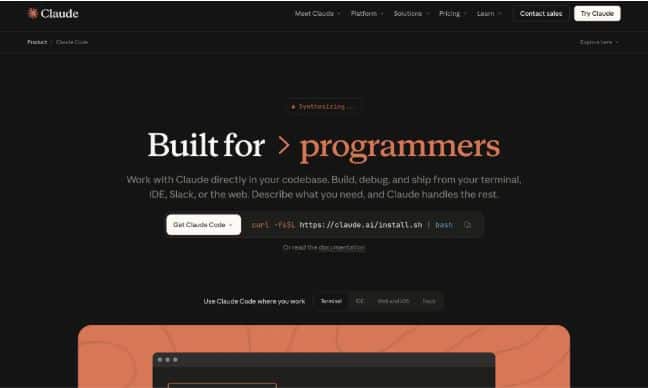
Best for: Large-scale refactoring, reasoning-heavy tasks, enterprise workflows
Claude Code brings Anthropic’s Claude models into the terminal, enabling multi-file edits, deep codebase understanding, and long-horizon task planning. Built on Claude’s advanced reasoning capabilities, this tool excels at understanding complex codebases and providing detailed explanations and solutions.
Key features:
- Strong reasoning and safety-aware coding
- Multi-file and repo-wide refactoring
- Tool calling and command execution
- Excellent for complex specs and agents
- Plugin system – Supports custom slash commands, specialized agents, and hooks
- Multi-language expertise – Strong performance across various programming languages
- Code review assistance – Provides detailed feedback on code quality and best practices
- Documentation generation – Creates comprehensive documentation from code
Claude Code Pricing:
Claude Code operates on Anthropic’s API pricing model. You pay per token usage based on your chosen Claude model (Claude 4.5 Sonnet, Claude 4.5 Opus, etc.).
2. Codex CLI (OpenAI)
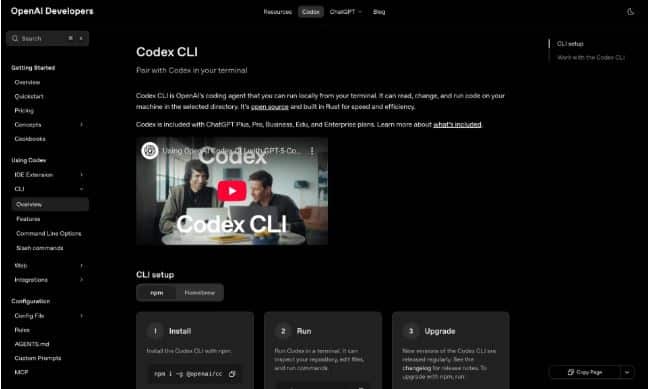
Best for: Multi-agent coding and execution-heavy tasks
Codex CLI brings OpenAI’s coding agents into the terminal with support for parallel agents and command execution. As an open-source, lightweight coding agent, it runs entirely in your terminal and connects to OpenAI’s cloud-based models like o4-mini and o3, providing developers with direct access to cutting-edge code generation capabilities.
Key features:
- Multi-agent task execution
- Code generation + command running
- Tight integration with OpenAI models
- Designed for real-world software tasks
- Multi-step reasoning – Autonomously plans and executes complex coding tasks
- Open-source – Fully transparent codebase with community contributions
- Natural language interface – Describe tasks in plain English
- Context-aware – Understands project structure and coding conventions
- Multi-language support – Works across various programming languages
- Easy installation – Simple npm install with minimal configuration
Codex CLI Pricing:
Codex CLI is open-source and free to use. You pay only for OpenAI API usage based on token consumption for your chosen model.
3. Gemini CLI (Google)
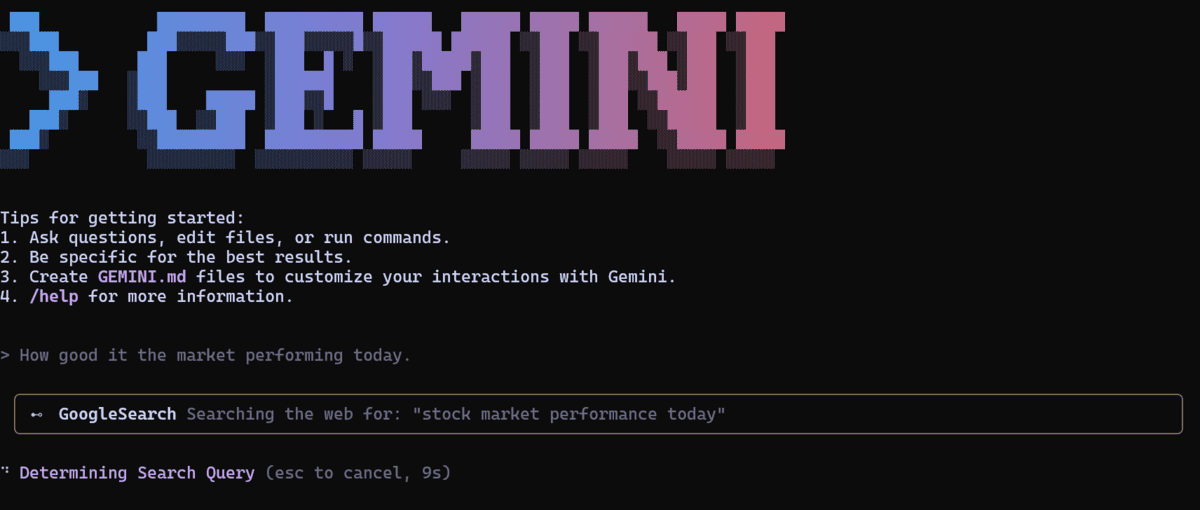
Best for: Full-stack workflows and cloud-native development
Gemini CLI integrates Google’s Gemini models into developer terminals, with strong support for APIs, cloud infra, and data workflows. It provides powerful AI assistance for coding tasks, code review, and development workflows without leaving the command line.
Key features:
- Strong multimodal understanding
- Google Cloud integration
- Code + infra reasoning
- Rapid prototyping support
- Large codebase management – Context-aware suggestions across hundreds of files
- Multimodal understanding – Processes text, code, and visual context
- Code analysis – Detailed code review and optimization suggestions
- Fast responses – Optimized for quick AI assistance in development workflows
- Open-source – Community-driven development with transparency
- Generous free tier – Accessible pricing for individual developers
4. OpenCode
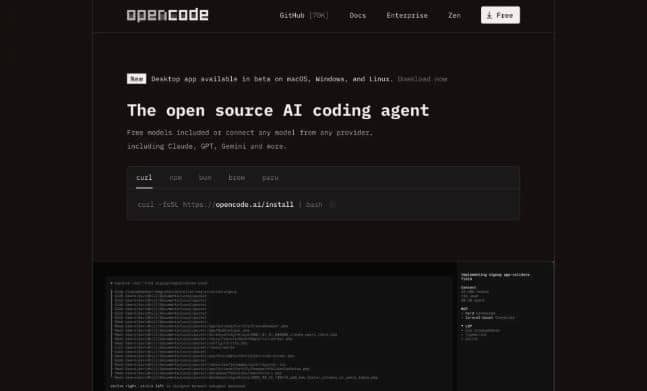
Best for: Fully open-source agentic coding
OpenCode is a transparent, open-source coding agent that runs entirely in the terminal, giving developers full control over models, prompts, and execution. It allows you to run any model and supports nearly all AI model providers, giving you the flexibility to set up without complex configurations. I use it to test new models, evaluate the MCPs, and build custom agents.
Key features:
- Fully open-source
- Model-agnostic (local or hosted LLMs)
- Scriptable agent workflows
- Ideal for self-hosted environments
5. Droid (Factory AI)
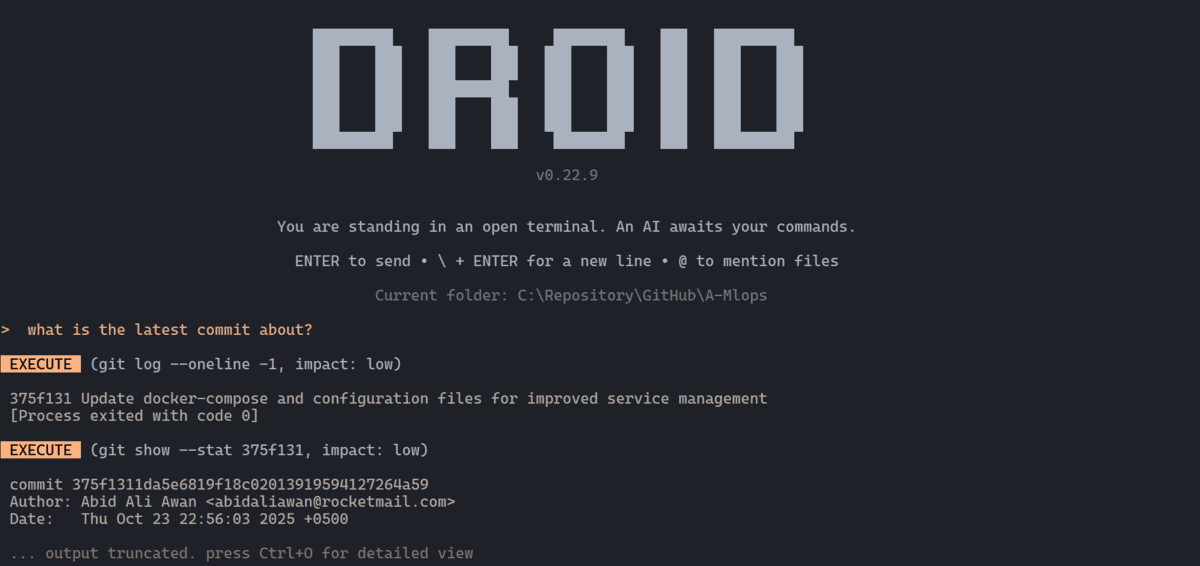
Best for: Autonomous issue detection and bug reporting
Droid goes beyond coding by actively identifying issues in codebases and filing bug reports automatically.
Key features:
- Autonomous bug detection
- Self-generated GitHub issues
- Continuous code monitoring
- Strong DevOps integration
6. GitHub Copilot CLI
Best for: Git-native developer workflows
GitHub Copilot CLI extends Copilot into the terminal, helping developers generate commands, scripts, and fixes using natural language.
Key features:
- Command generation from prompts
- GitHub ecosystem integration
- Secure enterprise support
- Familiar Copilot UX
7. Goose CLI
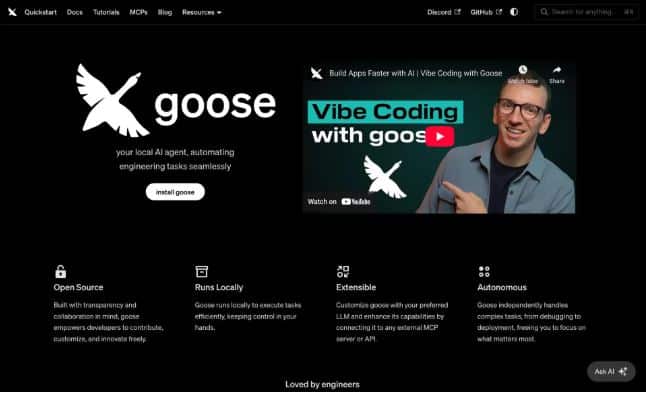
Best for: Lightweight, fast agentic coding
Goose CLI focuses on speed and simplicity, making it ideal for quick tasks, scripting, and lightweight automation.Runs locally for maximum privacy and is highly extensible with support for various LLMs and APIs. Excellent for DevOps tasks, script generation, and system administration. Block has co-designed the Model Context Protocol (MCP) with Anthropic, which Goose leverages for system integration.
Key features:
- Minimal setup
- Fast responses
- Task-oriented workflows
- Low overhead
8. Aider
Best for: Git-based iterative coding
Aider works directly with Git, allowing developers to collaborate with an AI agent that proposes commits instead of raw code changes. It connects to various AI models and can make coordinated changes across multiple files in your repository, making it perfect for complex refactoring tasks and feature implementations.
Key features:
- Git-first workflow
- Clear diff-based edits
- Strong refactoring support
- Popular with open-source developers
9. Plandex
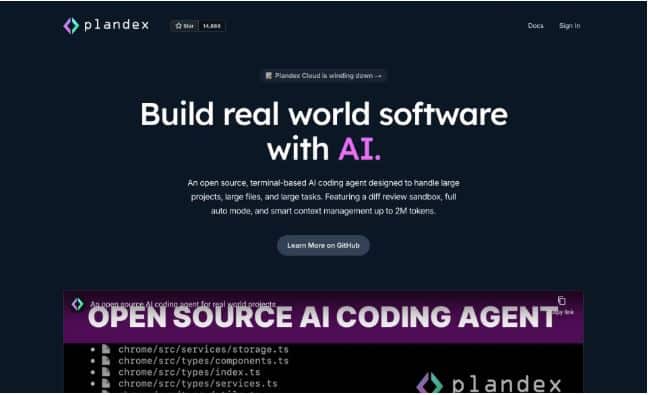
Best for: Long-horizon planning and execution
Plandex excels at breaking large tasks into structured plans and executing them step by step. Features a massive 2 million token effective context window with 20M+ token indexing via Tree-sitter. Includes a cumulative diff review sandbox for reviewing and testing changes before applying them to your project. Supports multi-model workflows with OpenAI, Anthropic, Google, and open-source models.
Key features:
- Planning-first approach
- Persistent task memory
- Multi-step execution
- Ideal for complex features
10. Amp
Best for: AI-powered developer automation
Amp acts as an AI agent that can manage coding tasks, tooling, and workflows with minimal prompting.Amp’s composable tool system goes beyond standard file editing. It includes a code review agent, an image generation tool (Painter), and a walkthrough skill for creating annotated diagrams.
Key features:
- Autonomous task handling
- CLI-native experience
- Dev workflow automation
- Rapid iteration loops
11. Warp
Best for: Modern terminal + AI assistance
Warp blends a modern terminal UI with AI-powered command assistance and workflows. Written in Rust and GPU-accelerated, it combines a modern terminal, file editor, code review panel, and multi-agent orchestration in a single application.
Key features:
- AI command search and explanations
- Team collaboration features
- Modern UX
- Productivity-focused design
12. Augment CLI
Best for: Context-aware codebase augmentation
Augment CLI focuses on understanding large codebases and applying context-aware changes. Its “Context Engine” indexes your entire stack—code, dependencies, architecture, and git history—to provide more relevant agent responses.
Key features:
- Deep repo context
- Safe code modifications
- Scales well to large projects
- Enterprise-friendly
13. Kiro (AWS)
Best for: Cloud-native and AWS-centric development
Kiro is AWS’s agentic CLI designed for building, deploying, and managing cloud applications.
Key features:
- Native AWS integration
- Infra + code automation
- Secure enterprise workflows
- Optimized for cloud teams
14. Crush (Charmbracelet)
Best for: Beautiful terminal-native AI agents
Crush brings Charmbracelet’s terminal UI expertise to agentic coding. Crush’s cross-platform support is the broadest of any tool here: macOS, Linux, Windows, Android, FreeBSD, OpenBSD, and NetBSD. It supports mid-session model switching (change LLMs while preserving conversation context), granular tool permissions, and customizable commit attribution.
Key features:
- Elegant TUI design
- Developer-friendly UX
- Extensible agent framework
- Focus on terminal aesthetics
15. Cline (Cline Bot Inc.)
Best for: Autonomous coding with tool execution
Cline is a powerful agent capable of editing files, running commands, and iterating until tasks are complete.
What sets it apart: Cline’s philosophy is “approve everything.” Every file change and terminal command requires explicit approval, giving developers maximum control over what the agent does. It includes browser automation (launching browsers, clicking elements, capturing
Best for: Developers who want agent capabilities but are not comfortable with full autonomy. The human-in-the-loop approval model is the most conservative on this list—ideal for sensitive codebases.
Key features:
- Full tool execution loop
- Autonomous debugging
- IDE and CLI support
- Strong task completion rates
16. Kilo (formerly Kilocode)
Best for: Lightweight agentic coding
Kilo emphasizes simplicity while still delivering agentic capabilities.
Key features:
- Easy setup
- Fast iterations
- Terminal-first UX
- Ideal for solo developers
17. Amazon Q Developer CLI
Amazon Q Developer CLI AWS’s AI-powered coding assistant designed specifically for command-line workflows. Provides intelligent suggestions for AWS CLI commands, helps with infrastructure as code, and offers guidance on AWS best practices. Particularly valuable for DevOps engineers and developers working heavily with AWS services, with specialized agents for development, documentation, and code review.
18. Qwen Code
Qwen code Advanced command-line AI coding agent adapted from Gemini CLI and optimized for Qwen3-Coder models by Alibaba. Built on a 480-billion parameter architecture with Mixture-of-Experts design, representing one of the most powerful open-source coding models available. Completely free under Apache 2.0 license with excellent multi-language performance and agentic capabilities.
19. Cursor
Best for: Solo developers working on full-stack projects , Teams already using VS Code who want seamless AI integration, Projects requiring fast prototyping with good context awareness
Cursor is a VS Code fork specifically built for AI-assisted development. It combines autocomplete, inline editing, and agentic workflows through its Composer mode. How to Choose the Right Agentic CLI Tool
Key Features
- Composer Mode: Cursor’s agentic feature lets you describe what you want to build, and it generates code across multiple files while maintaining project context.
- Inline Edits: Press Cmd/Ctrl+K to edit specific sections with natural language prompts.
- Codebase Indexing: Cursor scans your entire project to understand structure, dependencies, and patterns.
- Multi-Model Support: Primarily uses Claude 3.5/3.7 Sonnet and GPT-4, with the ability to switch based on task complexity.
20. Windsurf
Best for: Developers who want a beginner-friendly, polished experience
Windsurf is a newer VS Code-based IDE focused on speed and user experience. Its Cascade feature pioneered the agentic mode that other tools have since adopted.
Key Features
- Cascade Mode: Windsurf’s agent can automatically fill context, generate code across files, and run terminal commands without explicit file selection.
- Command (Cmd/Ctrl+I): Invoke AI directly in code or terminal for inline edits and CLI command generation.
- Clean UI: Windsurf emphasizes simplicity—fewer buttons, cleaner diffs, more intuitive workflows.
- Semantic Indexing: Builds a semantic map of your codebase to provide more contextually accurate suggestions.
How to Choose the Right Agentic CLI Tool
Agentic CLI tools are changing how developers write, refactor, test, and ship code. But with so many options available, choosing the right one depends less on hype—and more on how you actually work. Consider the following when selecting a tool:
- Complexity of tasks (simple scripts vs multi-week features)
- Hosting preference (cloud vs self-hosted)
- Security & compliance needs
- Integration with Git, CI/CD, or cloud platforms
Final Thoughts
Agentic coding CLIs represent a major shift from autocomplete-style assistants to autonomous software collaborators. As these tools mature, developers will increasingly focus on intent, architecture, and review — while agents handle execution.
The future of software development is not just AI-assisted — it’s agent-driven.
FAQs:
1. What are agentic coding CLI tools?
Agentic coding CLI tools are AI-powered command-line tools that can plan tasks, edit multiple files, run commands, debug errors, and iterate autonomously to complete real development work. Unlike traditional code assistants, they operate across entire projects and workflows.
2. How are agentic coding CLIs different from IDE-based AI tools?
IDE-based AI tools usually focus on inline code suggestions, while agentic coding CLIs work at the system level. They can modify repositories, execute shell commands, manage Git operations, and handle multi-step tasks directly from the terminal.
3. Are agentic coding CLI tools safe to use in production projects?
Yes, when used correctly. Most tools provide Git diffs, commit previews, permission prompts, and rollback options. Best practice is to review changes, use branches, and limit permissions—especially for production environments.
4. Do agentic coding CLI tools support multiple AI models?
Many modern agentic CLIs support multiple models, including OpenAI, Anthropic, Google, and open-source LLMs. Some allow developers to switch models, run locally, or bring their own API keys for better cost and privacy control.
5. Who should use agentic coding CLI tools in 2026?
Agentic coding CLIs are ideal for software engineers, DevOps teams, startup developers, and solo builders who want to automate repetitive tasks, refactor large codebases, speed up development, and collaborate more efficiently with AI agents.
Related Posts

From Data to Decision-Making – How AI is Transforming Safety Programs
March 6, 2026The approach to industrial risk management is experiencing a fundamental shift. Organizations ...


The Top 10 LLM Evaluation Tools
March 3, 2026LLM evaluation tools help teams measure how a model performs across various ...

How Preclinical Research Yields Results
January 31, 2026Preclinical research serves as the backbone of modern medical innovation, forming that ...

Top 5 AI Browsers to Use in 2026
December 22, 2025Google Chrome and Apple Safari once defined how the internet felt—fast tabs, ...